Keep the original.
Keep the file you brought in, with its available dates and details. Review suggested duplicates without replacing the originals.

Your old phone. A cloud account. A drive in a drawer. Bring the photographs and videos scattered across your life into one private collection, with the originals and their stories together.
Private by default. Choose what to share. Keep a copy of your own.
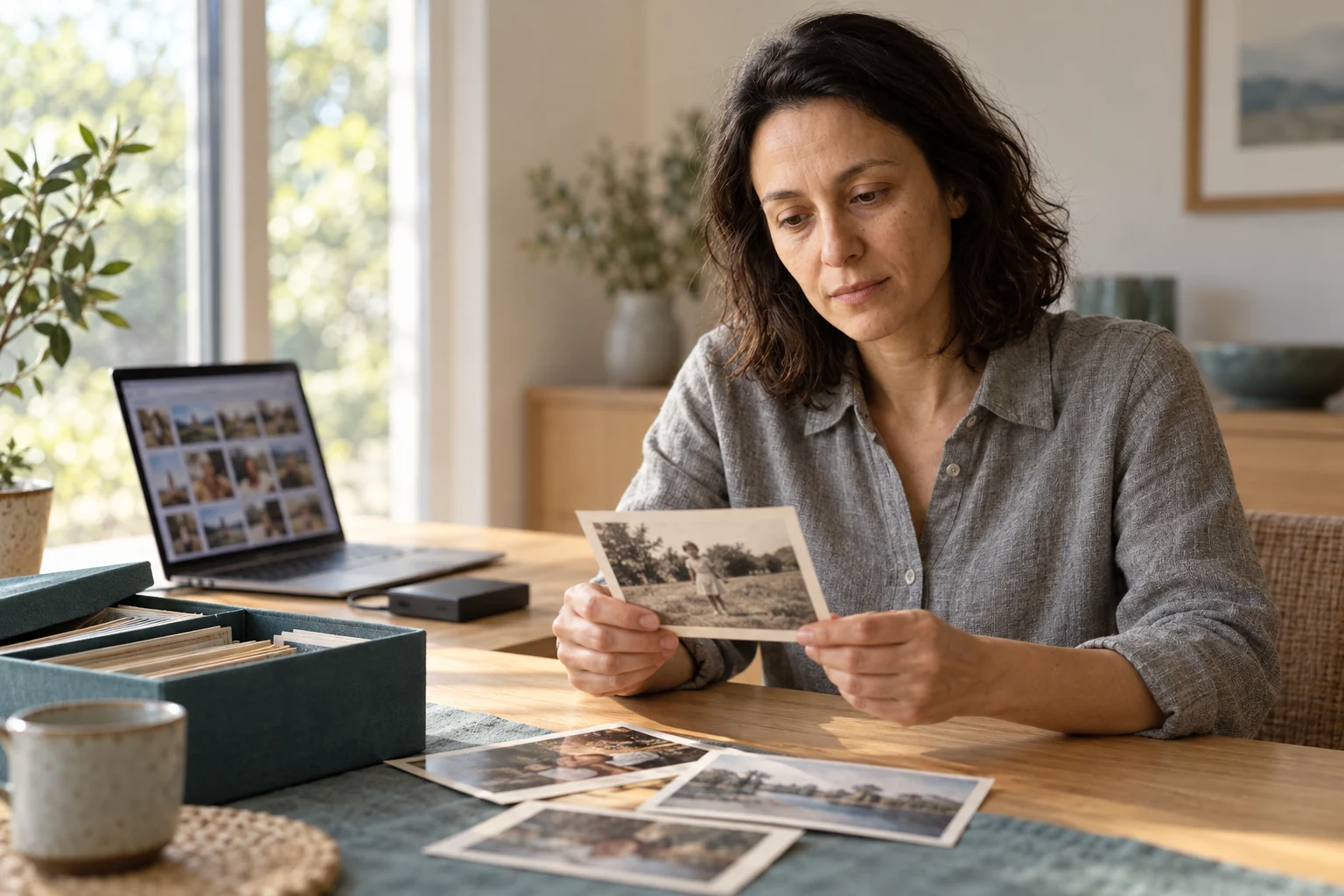
Photo Vault is a private photo and video archive from Seed of You. It brings selected files and supported service exports into your memory vault, so you can find a moment, add its story and take your collection with you.
Start with one album. You do not need to organize your whole life first.
Keep the file you brought in, with its available dates and details. Review suggested duplicates without replacing the originals.
Look for a trip, a place or a moment. Open the original behind each result and correct names, dates or captions when you know more.
Record the answer to “What was happening here?” Keep that voice, its transcript and your notes beside the photograph.
Choose an album and its viewers. Review location details before sharing. Export originals and their context for an independent copy.
A photograph from the lake. A short video from an old phone. Your mother explaining why everyone was laughing.
Keep them together as one collection, with each original a click away. Share that summer with your family without sharing the rest of your archive.
Explore your possibilitiesThe photograph, just as you saved it.
A voice recording explains the moment.
One summer, ready to revisit or share.
Your sources. Your context. Your choice.
Select photos and videos from a device folder, an old drive or a supported account export. Our download guides help you obtain copies from the services you already use.
Review the received files, available metadata and any missing or unreadable items before you call the collection complete.
Find a moment. Add a name or a recorded memory. Create a private album, choose who can see it and keep an export you can check yourself.
Use selected phone files, camera folders, scanned photographs, video files and supported exports from photo services. Keep accompanying metadata files when an export includes them; they can carry dates, captions or other details that are missing from the image alone.
The download guides help you get your files. They do not connect an account or upload anything to SEED.
Your collection is private by default. SEED runs its core intelligence on infrastructure we control. Sharing with another person or an outside tool is a separate choice.
You can preserve photographs without enabling face grouping, creating an avatar or licensing your collection. Keep hosted access, export a copy or choose a USB vault. If you want us to remove our content copies, request deletion separately.
Explore privacy and controlA photo vault is a private place to preserve and organize photographs and videos. SEED’s Photo Vault connects the original files with their available metadata, your captions and recorded stories. You can use it on its own, without writing a biography.
You can prepare copies using the download guides for each service. Keep the original files and accompanying metadata together. A supported export is different from an automatic account connection; you choose which files to import.
Originals stay separate from edits and annotations. Suggested duplicates are for your review, rather than an instruction to delete files automatically. A second export or edited version can contain details worth keeping.
Yes. Sharing is based on a collection you choose, with access for the people you select. Review its contents and location details first. Stopping future access cannot retrieve a copy someone has already downloaded.
Yes. Export selected originals and their context, or choose a USB vault. An independent copy is useful only if you can open it, so check a sample of photos, videos and accompanying details. Keep hosted access unless you separately request deletion of our content copies. Keep a preservation checklist: file checks, a test restore and any repairs needed. Repeat it after major imports or changes to your archive.
Join the Photo Vault waitlist. We’ll email you when you can start preserving your collection.
No photos are uploaded through this form.