




 Your reviewed selection
Free
5 GB vault$0to get started
- Upload and import photos, messages and files
- Private AI: organize, Search and Stories
- Access and export your own records
SEED Context
Choose the records an assistant needs for one task, see exactly what it will receive, and stop future access when you’re done. Your originals stay in your private vault.
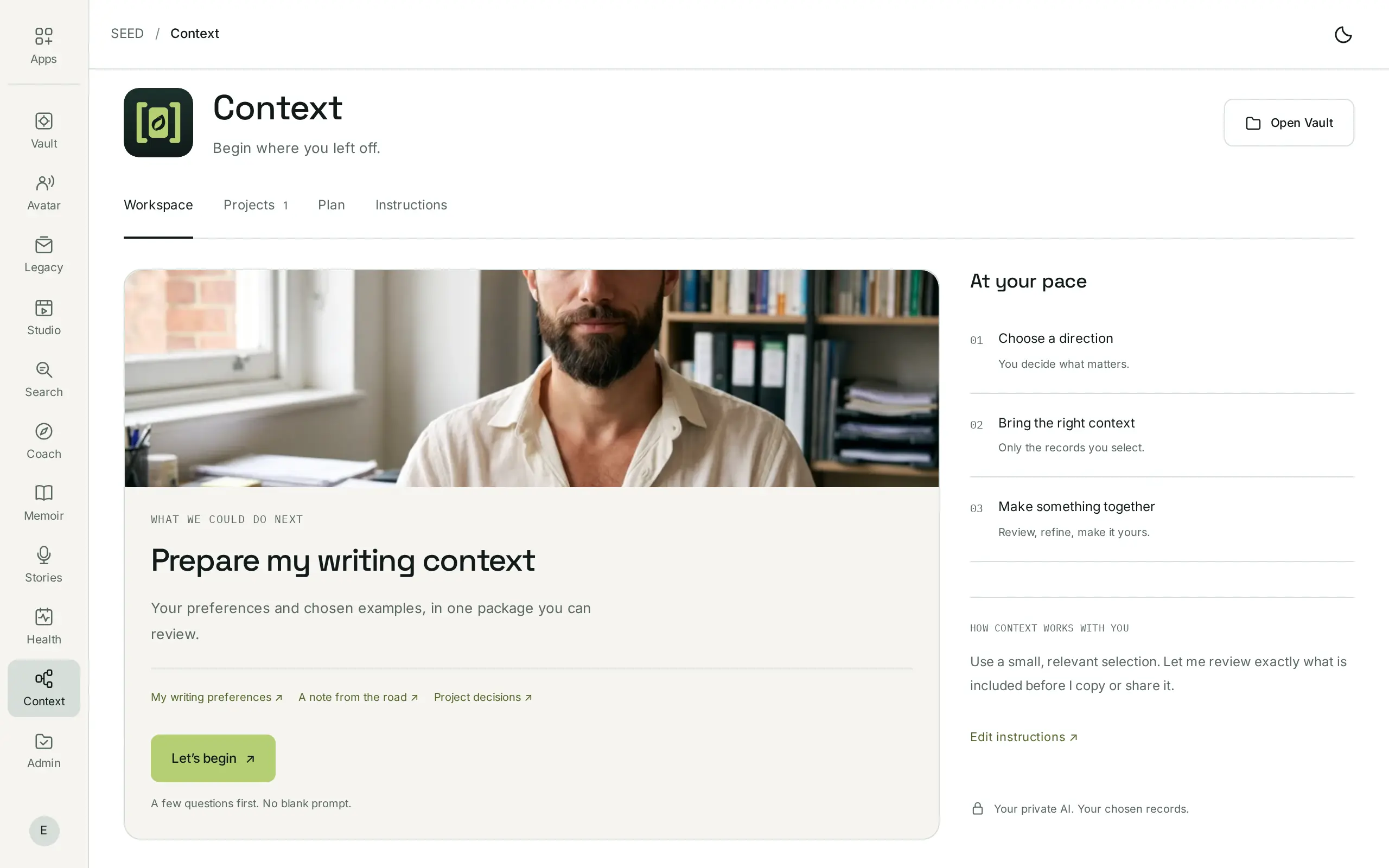
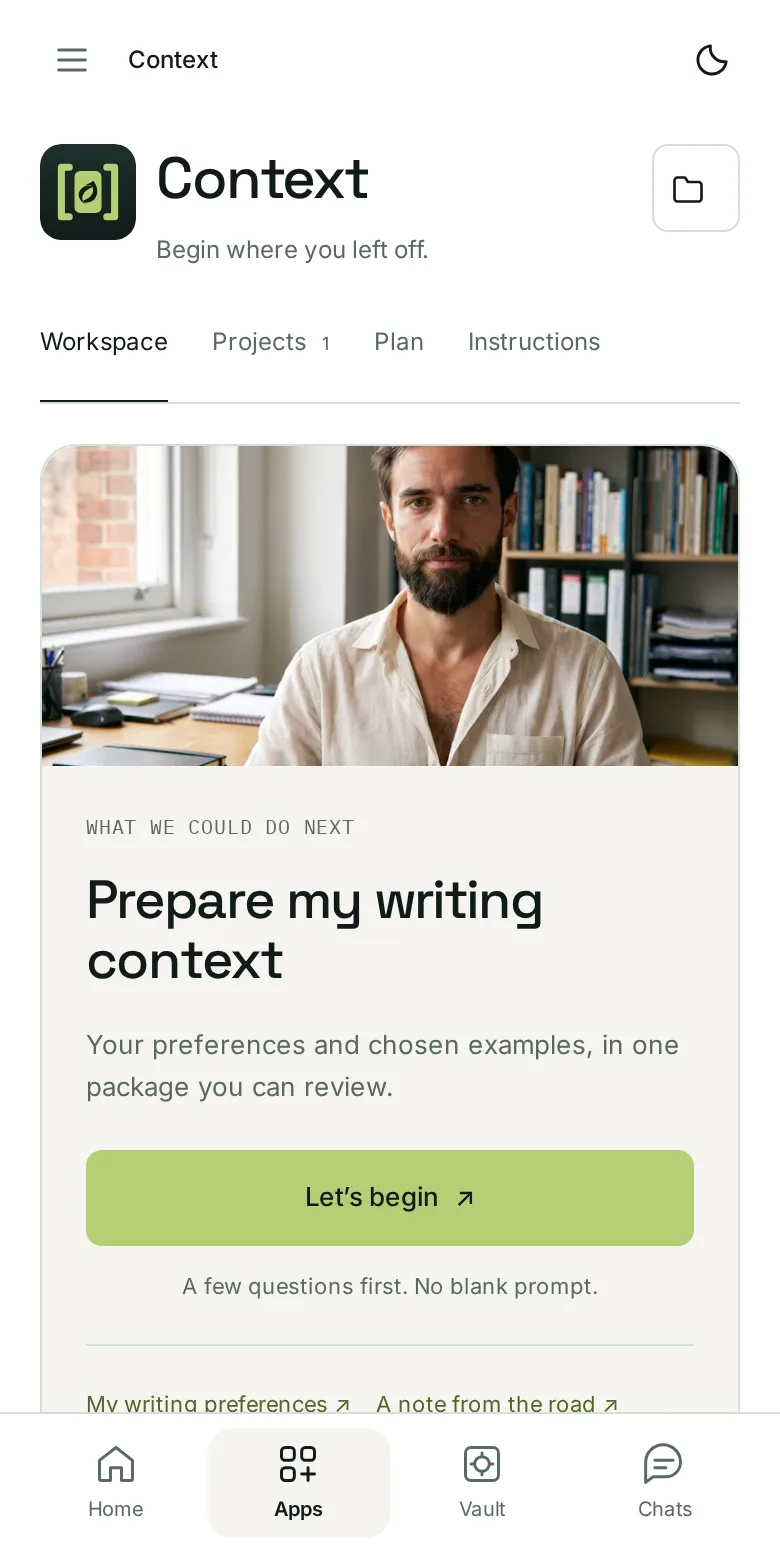

Your history becomes a head start
How you like to work. What you’re trying to build. The decisions you already made and why. You shouldn’t have to retype your whole backstory each time you open a new chat, or tie the only copy of it to one service.
Context keeps reviewed selections ready in your vault. For each task, you choose what the next assistant receives. Your records stay in their private home.
How it works
Decide what a package holds, where it goes, and when access ends. Every choice is made before anything is shared.
01 · Choose what it receives
Start from the job, such as “Draft my next newsletter in my voice”, and choose the records it needs. Read the exact words with their dates, then add an instruction of your own.
02 · Choose where it goes
Copy or download a fixed snapshot, or use a supported assistant connection where you review the recipient, the record scope and the duration first.
03 · See what left your vault
See your active connections and external disclosures in one place. Ending a supported connection stops future retrieval; it can’t recall what was already delivered.
Private at the core. Selective at the edge.
SEED keeps your records in your private server environment, with your own AI managed for you. Core models run there, without sending your records to the model publisher.
Inside your private environment
The recipient you approve
An external service processes what you share under its own terms. Check its data policies before you share.
The recipient gets the selection, operations and duration you approved for that connection. Nothing else.
Once delivered, the copy is handled under the recipient’s own terms, outside SEED’s control.
It stops future retrieval. It can’t recall or erase copies or answers a service already received.
Ending a connection, deleting vault records and asking an outside service to delete its copies are different steps.
Your records change, and old copies don’t. Correct a preference at its source and request fresh context for the next task. Earlier replies and copies already shared do not update automatically.
Keep the assistant you choose
Share a fixed, reviewed package for one job, or follow the instructions for a supported API or MCP connection for recurring work. Check the recipient, operations and scope before you approve.
Use selected SEED context through a supported connection. It follows ChatGPT’s plan and permissions.
A ChatGPT subscription and API billing are separate. A subscription does not pay for API requests.
Plan requirements and guidanceReview the supported connection route, then choose the selection and duration for each task.
Claude processes what it receives under its own terms.
Review the connection routeScoped API and MCP access for your own agents. Private connection instructions come with your Context invitation.
Check the operations an agent may perform before you approve.
Public guides and private accessConnect SEED’s public guide MCP to an assistant for export and deletion guidance. It serves public guides only: connecting it does not open your private vault.
Works with
Context draws on the same private vault as every SEED app. Prefer to keep a task inside SEED? Your private AI is already there.
Your originals stay in one private home. A context pack carries a reviewed selection, never the vault itself.
Vault → selection → Context
Find the exact note or decision, with its source, and add it to a pack with the date still attached.
Search → record + source → pack
Think a decision through with your private AI first. Share only the outcome when an outside assistant helps.
Coach → your conclusion → packPricing
Start with the free 5 GB vault and add Context. Or choose Personal for more space and all six app subscriptions.
$0to get started
$9.99/ month on your Free vault
$29.99/ month
Ordinary access to and export of your own records remain free. Optional external model requests use SEED credits or your supported API key. Using selected context inside ChatGPT follows its plan and permissions; a ChatGPT subscription does not pay for API requests. Prices in USD; applicable taxes additional.
Part of SEED
Context connects your background to the next task. Every SEED app works from the same private vault and the permissions you choose.
SEED VaultFree with 5 GBSEED SearchFree SEED StoriesFree
 SEED StudioFree workspace · $9.99 / month
 SEED Memoir$10 digital · $50 printSEED Coach$9.99 / month
 SEED Health$9.99 / monthSEED Context$9.99 / month
 SEED Admin$9.99/month
 SEED Avatar$9.99 / month
 SEED Legacy$9.99 / month
 SEED USB Vault$99 · 256 GB
Before you connect
What’s new
Personal brings 1 TB and six app subscriptions, Context among them, for $29.99/month.
Connect the supported deletion-guide MCP to an assistant. Context keeps private sharing scoped to the records, recipient and purpose you choose.
No. You choose the selection, recipient, operations and duration. Opening an assistant alone does not grant it access. Check any ongoing collection permission to understand whether newly added records become available.
Yes. Context is $9.99/month standalone on the Free vault. Personal includes the subscription alongside five other apps. You do not need Context to access or export your own records.
No. The public guide MCP serves export and deletion guidance. It does not provide private-vault access. Request a Context invitation; supported private connection instructions accompany access.
Future retrieval through that permission stops. Information already received remains subject to the recipient’s handling. Ending a connection, deleting vault records and asking an external service to delete its copies are separate actions.
Core self-hosted private AI has no per-request model charge within your plan and app access. Optional external requests use SEED credits or a supported API key. A connection inside ChatGPT is subject to its own plan and is separate from API billing.
A brief is a document you review and share. Context adds a defined permission for a tool to receive selected information, potentially through an ongoing connection.
Request your Context invitation. $9.99/month, included in Personal.