SEED Free
Search included$0/ month
Start finding, with a private vault ready to fill.
- SEED Search and AI organization
- 5 GB private vault
- Uploads and imports of photos, messages and files
- SEED Stories and a free Studio workspace
SEED Search
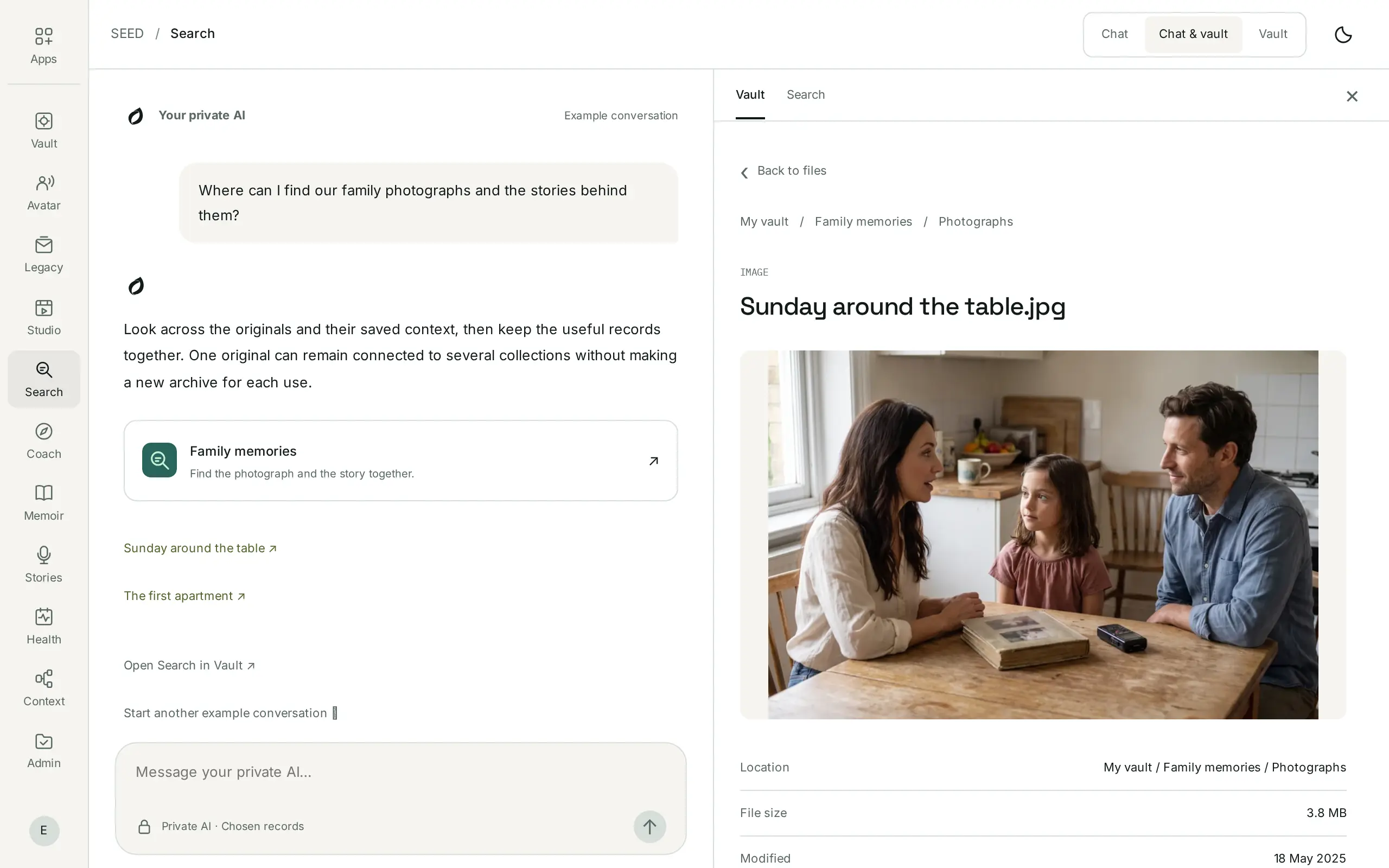
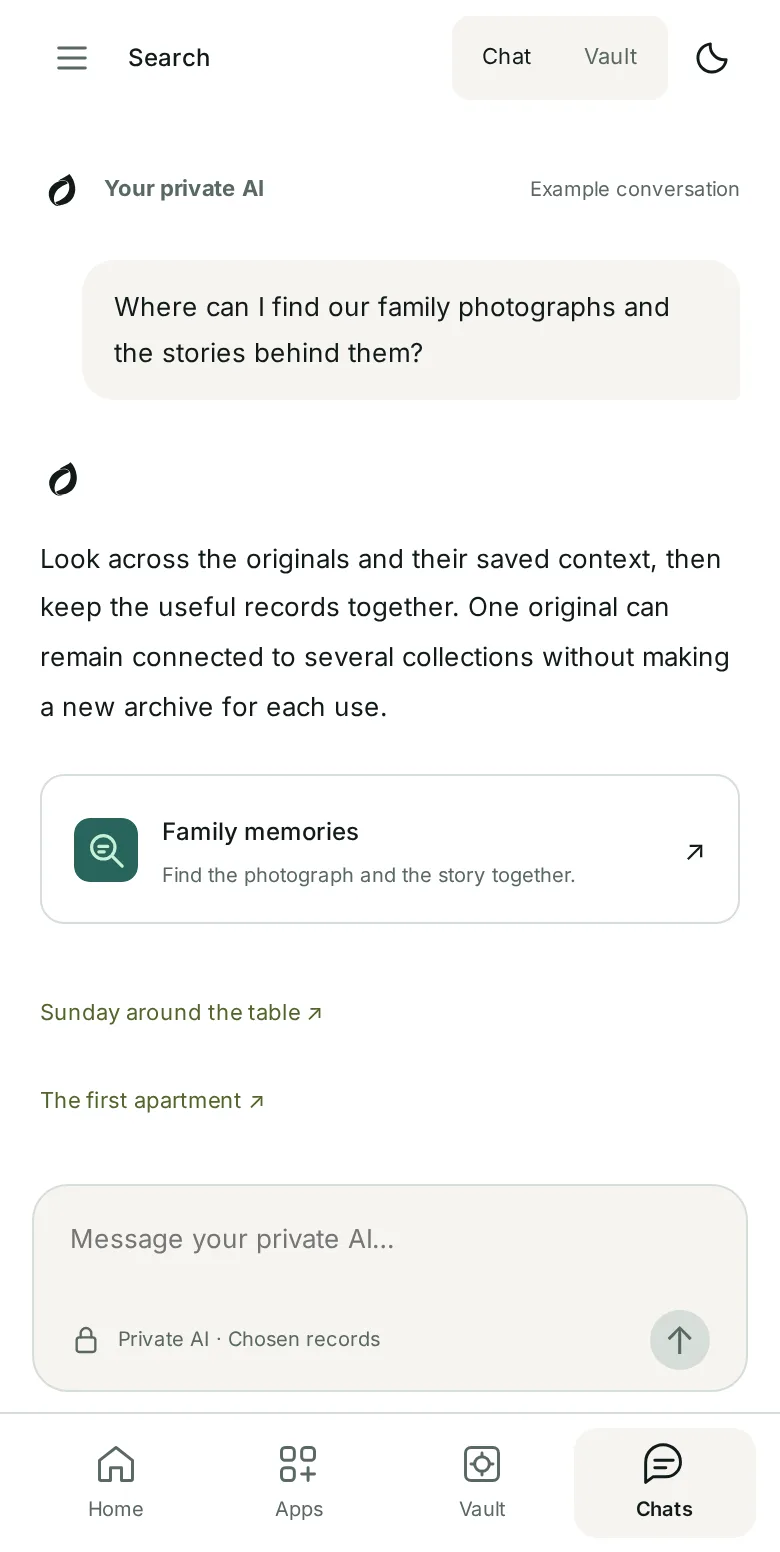
Ask in your own words across your emails, photos, recordings and documents. Search gathers the records that answer it and keeps every original one click away, so you can check it yourself.

The moment Search is for
The warranty is an attachment to an email from 2021. The date you moved is in a message to your mother. Your father’s story starts three minutes into a voice note.
Ordinary search finds words. SEED Search finds the answer and puts the record that supports it right beside it, so you never have to take a summary on trust.
How it works
A person, a time or a few details can be enough to begin. Search does the reading; you stay close to the evidence. In the SEED dashboard it has three tabs: Discover, Collections and Saved searches.
01 · Discover
Type what you remember, or start from a situation such as an insurance claim. The policy, the repair receipt and the message about the repair come back together.
02 · Discover
Open any result to see the original, when it’s from, which collection it belongs to and where it came from.
03 · Collections and Saved searches
Gather records into a collection for a purpose: home, family memories, travel. Save the searches you come back to and reopen their records in one step.
Honest by design
A summary should help you find the record, not replace it. When your records don’t support an answer, Search says so instead of filling the gap. AI answers can make mistakes, especially with exact details from scans, so the original is always one step away.
Each result links to the record it came from, and the original stays unchanged.
Gaps and conflicting records stay visible. Missing evidence doesn’t prove something never happened.
Auto-tags help you find things. Keep, correct or remove them; they stay separate from the original.
Core organization, retrieval and answers run inside your private server environment, managed by SEED, rather than sending your records to the model publisher.
Works with
Search works on its own. Because every SEED app reads the same private vault, what you find can go further, only when you choose.
Into Search
Your originals and their source details live here. Search reads them and never changes them.
Explore Vault
You are here
Find, check and gather the records you need.
Out of Search, your choice
Tell the story behind a record you found, or give a chosen assistant only the results you approve.
Stories ContextPricing
Search is included on Free and Personal. Core private AI has no per-request model charge within your plan and app access.
$0/ month
Start finding, with a private vault ready to fill.
$29.99/ month
More room, and every app your records can power.
Optional advanced external models use SEED credits or your own supported API key. Books and USB drives are separate. Prices in USD; applicable taxes are additional. Joining the waitlist starts no subscription.
1 November 2026Free now includes 5 GB, AI organization, Search and Stories. What’s new
Part of SEED
Search is the way into everything you keep. Each app has its own focused job and uses only the records you choose for it.
SEED VaultFree with 5 GB SEED SearchFreeSEED StoriesFree
 SEED StudioFree workspace · $9.99 / month
 SEED Memoir$10 digital · $50 print
 SEED Coach$9.99 / month
 SEED Health$9.99 / monthSEED Context$9.99 / month
 SEED Admin$9.99 / month
 SEED Avatar$9.99 / month
 SEED Legacy$9.99 / month
 SEED USB Vault$99 · 256 GB
Questions
No. Search and AI organization are included with SEED Free and Personal. Core self-hosted model usage has no per-request model charge within your plan and app access. Optional external models and the other paid apps keep their separate pricing.
Open the citation. Each answer links to the records behind it, and the original opens beside the answer with the relevant passage marked. Tags and extracted context stay distinct from the original record.
Check the original and its context. Search can withhold an answer when the available material does not support it. Missing evidence does not prove an event never happened. AI suggestions and answers can make mistakes, especially with exact details from scans.
Yes. Find a photo through its name, date, collection and saved context, alongside documents and conversations. Reading text, interpreting an image or transcribing a recording depends on supported processing; keeping a file does not mean every part of it has been understood.
Yes. Keep, remove or change a suggested tag and add labels in your own words. A label helps find material; it does not turn an AI interpretation into a verified fact.
No. Collections are private until you choose a sharing action. Review the selected records and recipient separately. A collection name, label or AI suggestion never grants permission by itself.
Search finds and organizes your records. Each specialist app has its own focused agent and tools for its particular job, using the records you choose for that task. Creating a collection does not automatically give another app or service access.
SEED Search and a 5 GB private vault, included with SEED Free.